
You’re invited to contribute to the FITREC Circle blog


FITREC Circle now allows our registered members to create and share content with the wider community.
To create your first entry;
STEP 1. Look for the blog link on your profile.
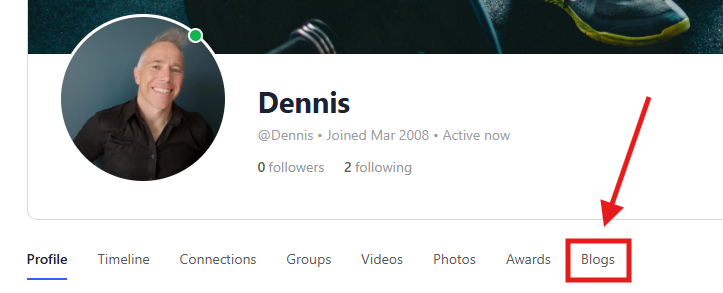
Step 2. Click the Create New link.

And you’re away!
As you write, your blog will be auto-saved as a draft. You can always leave your draft and return to it later.
When you’ve finished creating your blog, click on ‘Publish’ in the upper right of your screen.
All posts are approved by FITREC Circle admin. If there are any concerns, we’ll be in touch. Once approved, your post will be visible for all to see and share.
If you have any questions, please don’t hesitate to message me on FITREC Circle or via our head office.





Responses